
Latest Version
TickTick Team
Finance
Linux
Free
com.ticktick.TickTick
Report a Problem
More About TickTick
The Challenge of Modern Task Management
In an era of constant digital distractions, staying on top of daily responsibilities can feel like an uphill battle. Missed deadlines, forgotten errands, and cluttered minds are the natural results of inadequate organization. The TickTick task manager offers a comprehensive solution to this universal problem, serving as an all-in-one hub designed to bring order to your personal and professional life.
How the TickTick Task Manager Streamlines Your Day
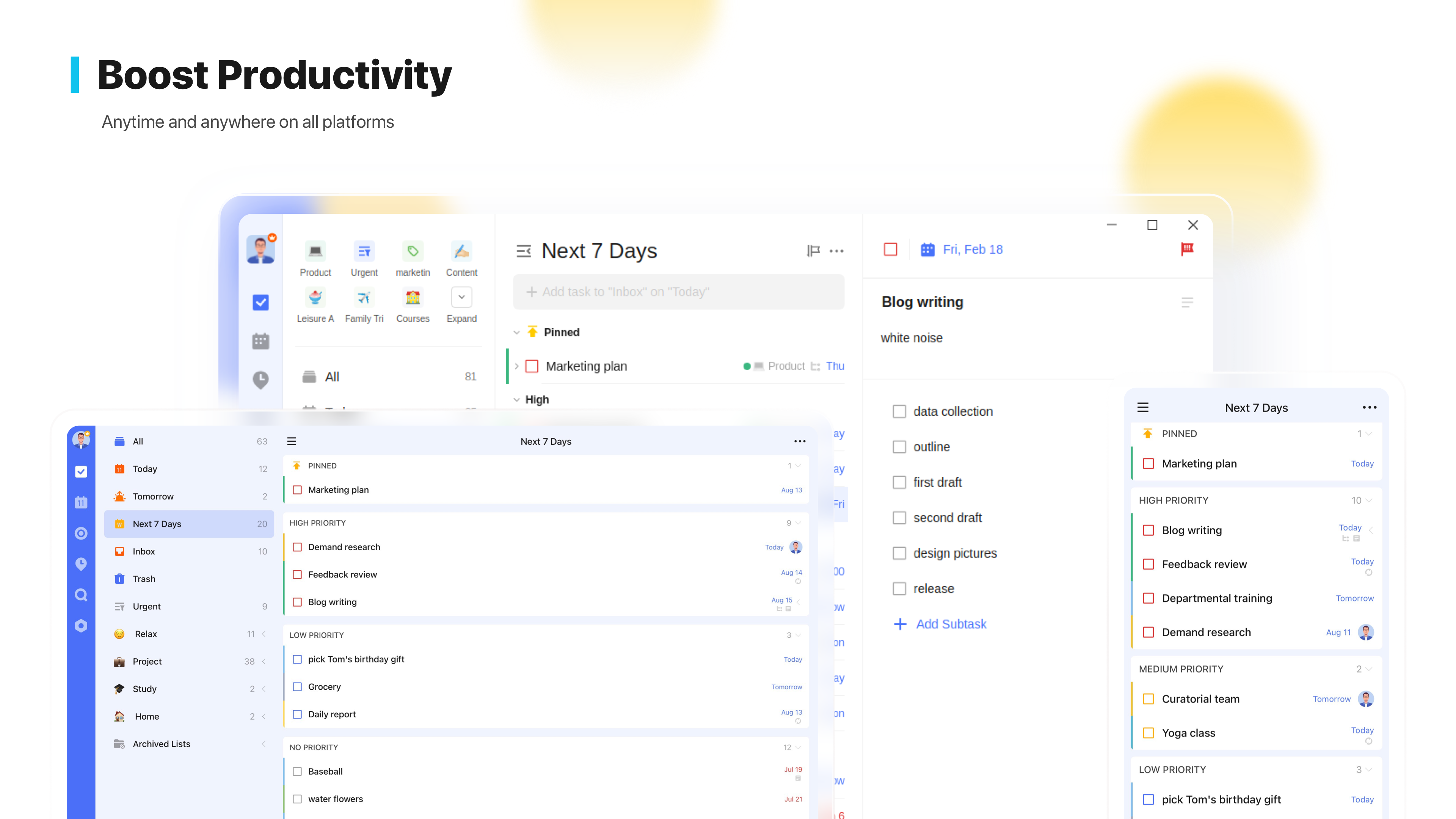
Rather than forcing you to jump between a calendar, a habit tracker, and a basic to-do list, this application unifies your workflow. The TickTick task manager adapts to your specific organizational style, allowing you to capture ideas the moment they strike and structure them into actionable plans.
Core Features for Seamless Organization
- Multi-Device Synchronization: Keep your tasks updated across all of your active devices instantly.
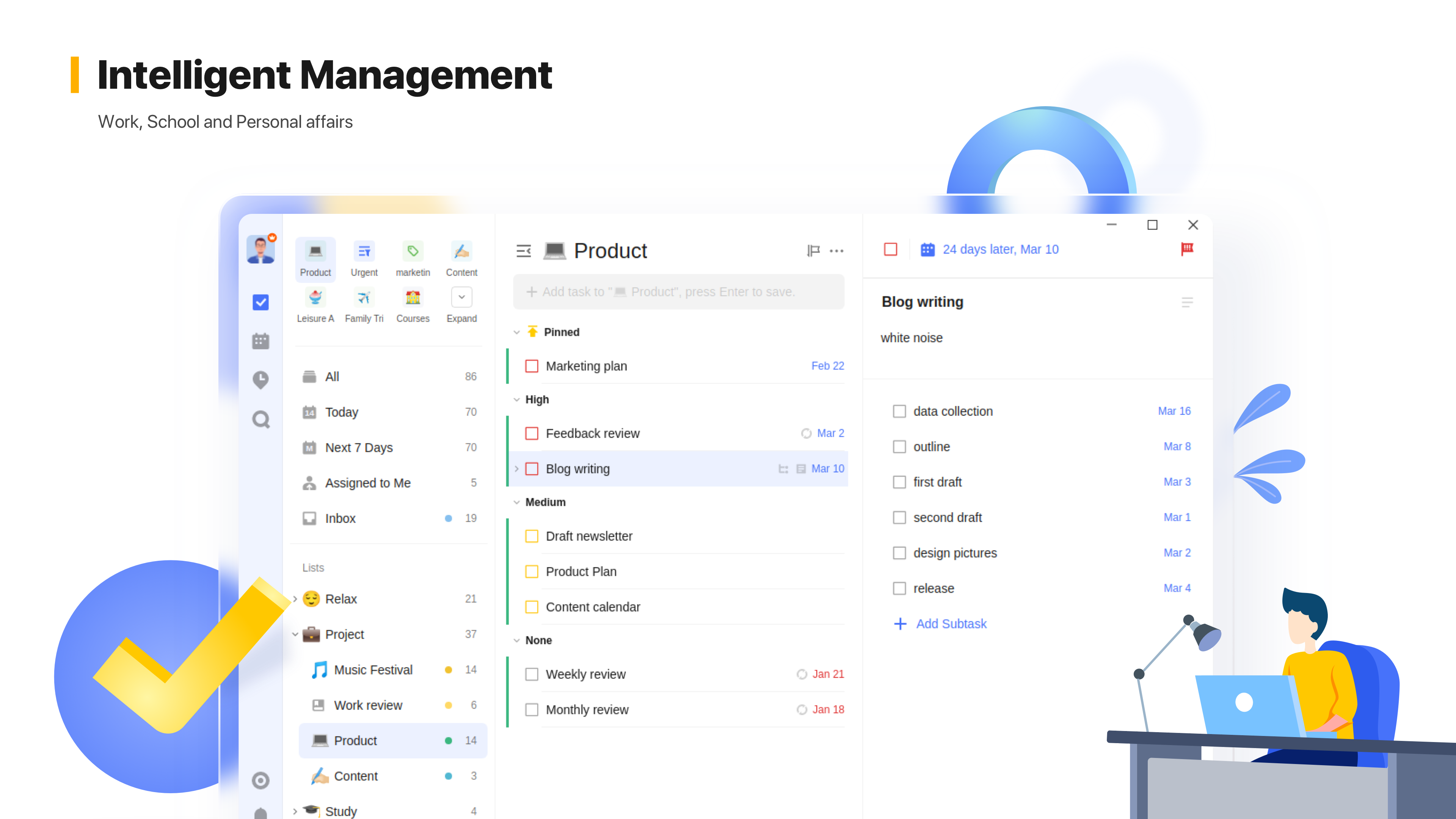
- Flexible Calendar Integration: View your schedule your way and integrate seamlessly with external calendar applications.
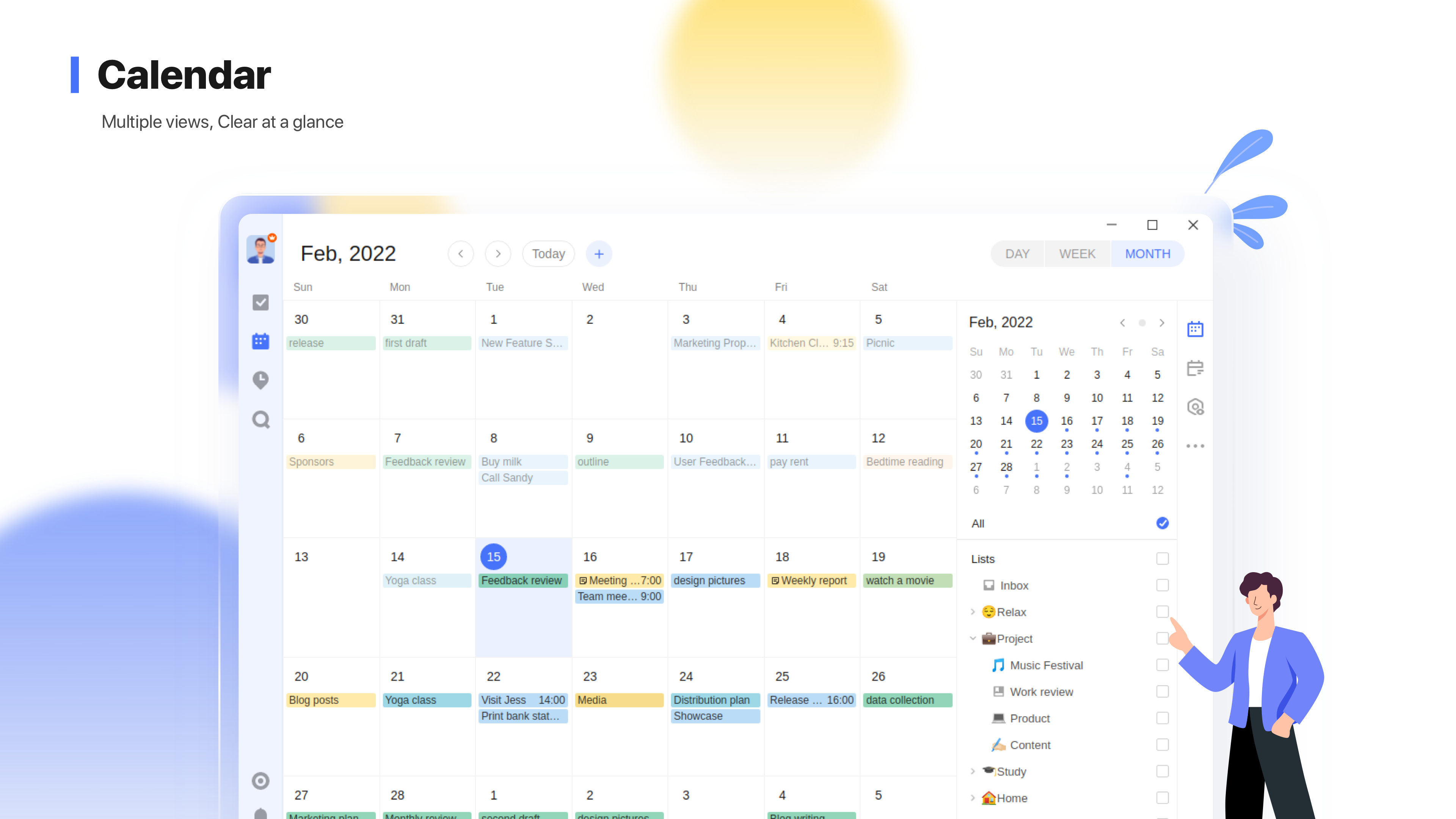
- Intelligent Reminders: Set multiple alerts, recurring tasks, and location-based reminders so you never overlook a critical commitment.
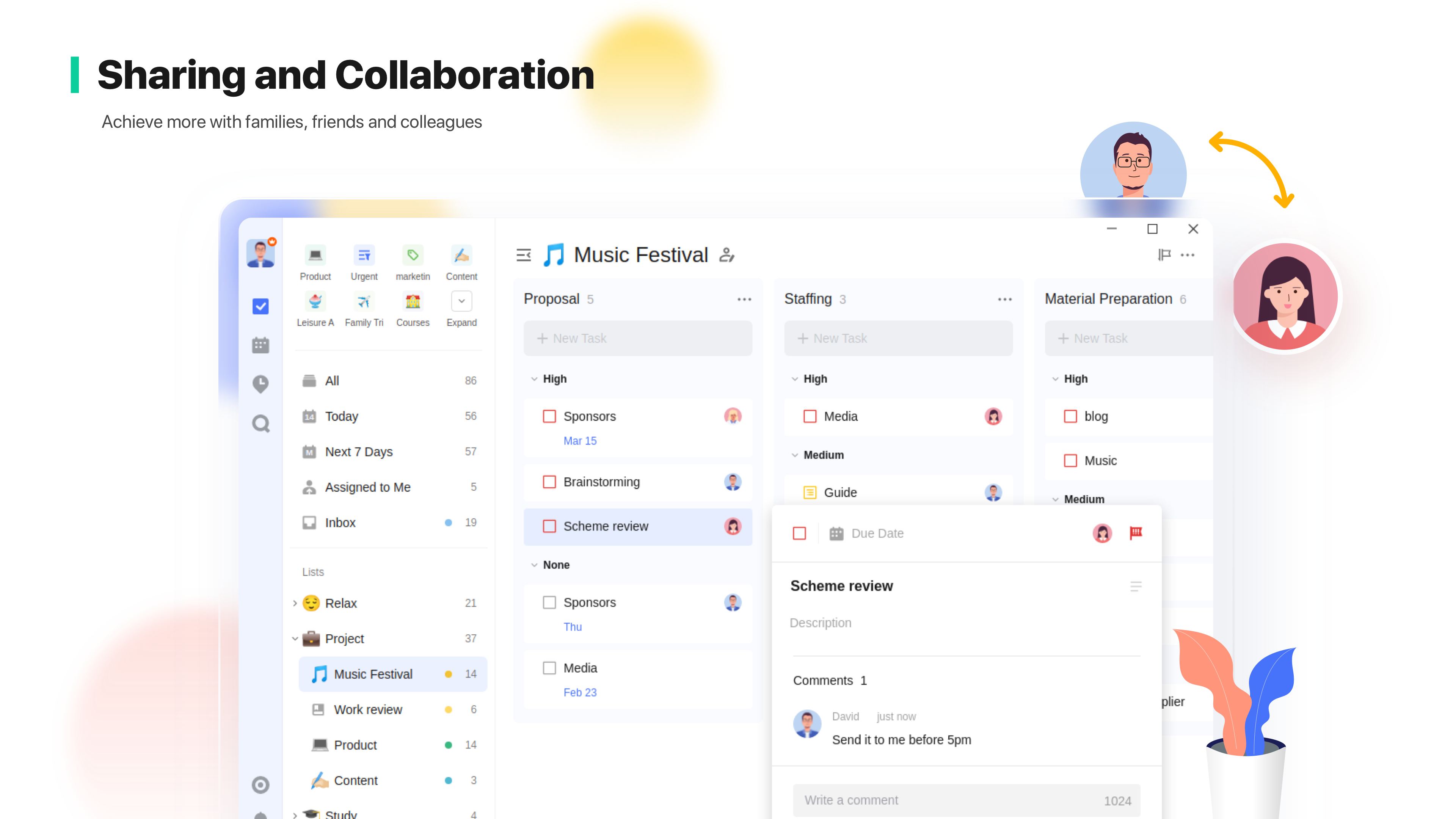
- Collaborative Workspaces: Share task lists with family members or team colleagues to streamline group projects.
- Built-in Productivity Tools: Leverage a dedicated Focus feature, Siri integration, and habit-tracking goals to build positive daily routines.
Tailoring Your Workflow
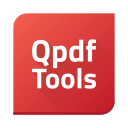
The utility of the TickTick task manager lies in its deep customization. Users can categorize tasks with descriptive tags, assign one of four distinct priority levels, and attach files or comments directly to individual items. Whether you prefer sorting your agenda by date, priority, or custom order, the interface bends to your preferences rather than forcing you into a rigid template.
Who Is This Productivity Tool For?
If you find yourself overwhelmed by scattered notes and fragmented schedules, this application is built for you. It serves professionals managing complex project timelines, students balancing coursework, and anyone seeking to establish healthier daily habits. By consolidating your focus, it minimizes cognitive load and frees up mental energy for the work that truly matters.
Review Verdict & Next Steps
The TickTick task manager stands out as a highly reliable, feature-rich productivity partner on Linux. While this review highlights its extensive capabilities, the best way to experience its seamless synchronization and intuitive design is to try it yourself. To explore the application and add it to your workflow, visit the official Flathub store page today.
Rate the App
User Reviews












Popular Apps










Editor's Choice