Latest Version
Nikos Grammatikopoulos
Security
iOS
Free
1214628418
Report a Problem
More About My Passwords Manager
An Offline Sanctuary for Your Digital Credentials
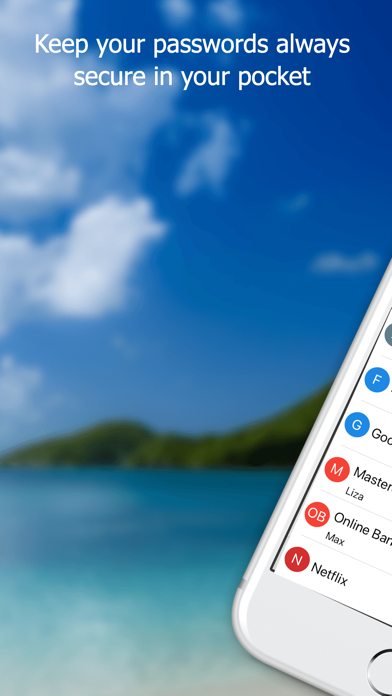
In an era where data breaches are commonplace, securing your personal credentials is more critical than ever. The My Passwords Manager secure vault offers an elegant, highly secure solution for iOS users who want to safeguard their credentials without relying on cloud-based servers. Developed by Nikos Grammatikopoulos, this application is designed specifically for individuals who prioritize absolute privacy and want localized control over their sensitive information.
Why Localized Encryption Matters
Unlike many modern credential managers that sync your data across external servers, this application operates on a zero-trust, local-first model. This architectural choice provides several distinct advantages for security-conscious users:
- AES-256 Encryption: Your data is protected using the Advanced Encryption Standard with a 256-bit key, the same standard trusted by security experts worldwide.
- No Internet Permission Required: Because the app does not request online access, your encrypted database never leaves your physical device unless you choose to export it manually.
- Master Password Dependency: A single master password serves as your decryption key. This ensures that only you have access to your stored records.
Key Features and Usability
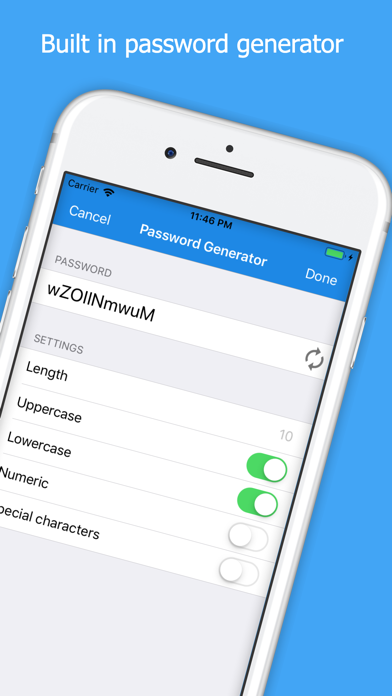
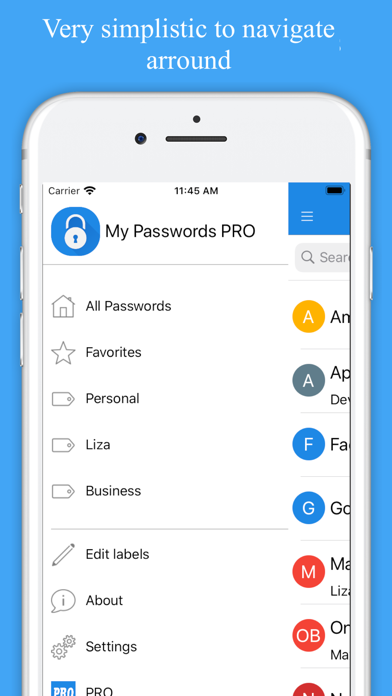
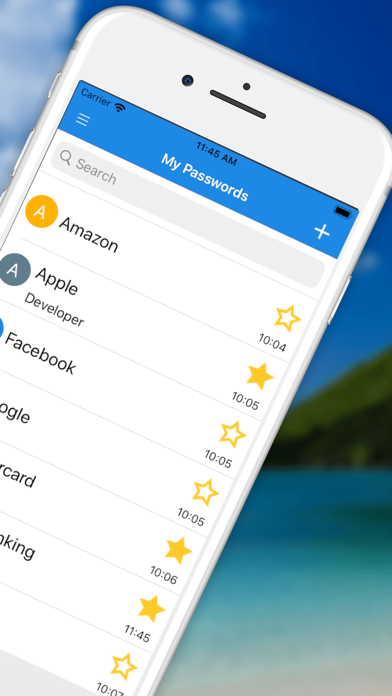
The My Passwords Manager secure vault strikes an excellent balance between military-grade safety and everyday convenience. Users can store an unlimited number of entries and organize them by color, date, or alphabetically. A built-in password generator helps you phase out weak, repetitive credentials in favor of complex, unhackable strings.
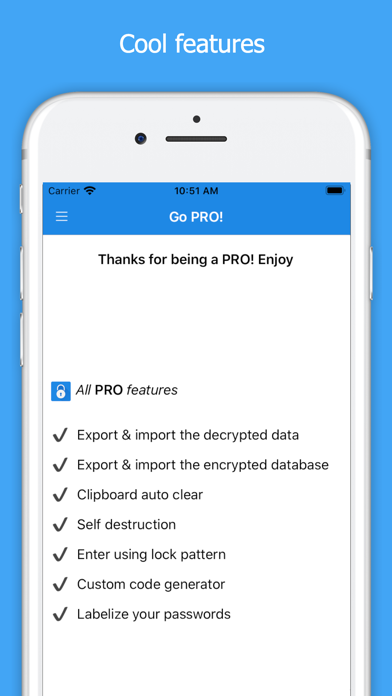
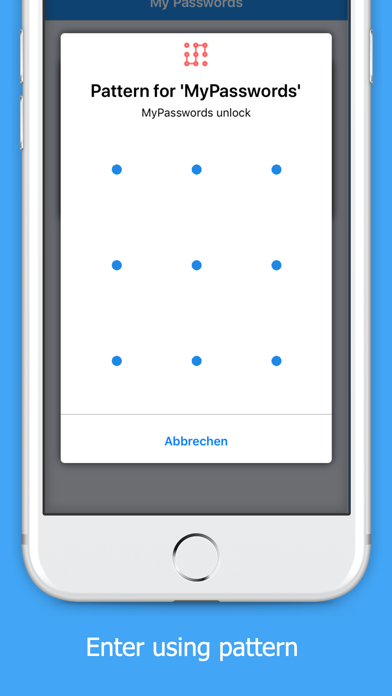
For those looking to streamline their workflow, an optional one-time PRO upgrade unlocks advanced features. These include biometrics and pattern login, clipboard auto-clear, data archiving, custom fields, and secure photo attachments. It also enables manual, encrypted backup and restore options via iCloud for seamless migration between your own iOS devices.
Who is This App For?
This utility is ideal for privacy purists, tech professionals, and everyday users who are uncomfortable storing sensitive financial or personal logins on third-party cloud platforms. By keeping all data strictly offline, it eliminates the risk of remote server hacks, putting you in complete control of your digital footprint.
Get Started Safely
Ready to take control of your digital security? You can learn more, read user feedback, and download the application by visiting the official My Passwords Manager page on the App Store.
Rate the App
User Reviews

Popular Apps









Editor's Choice